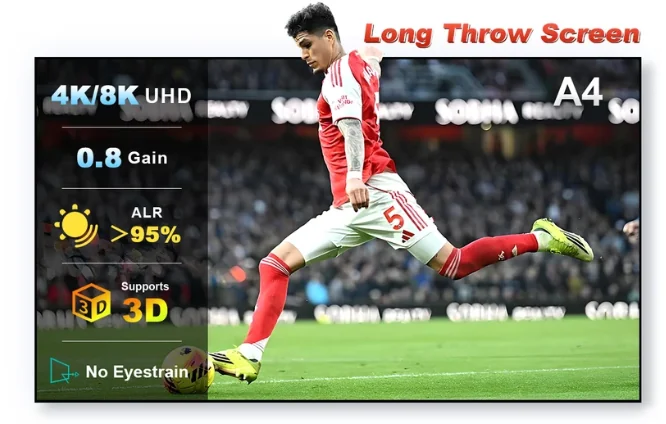
Going from 100 to 120 or 130 inches feels much larger than the diagonal numbers suggest because screen area grows quickly. The larger image also spreads the projector's light over more area.
Approximate 16:9 dimensions
| Diagonal | Width | Height | Relative area vs 100 in |
|---|---|---|---|
| 100 in | 87.2 in | 49.0 in | 1.00× |
| 120 in | 104.6 in | 58.8 in | 1.44× |
| 130 in | 113.3 in | 63.7 in | 1.69× |
Dimensions are approximate for 16:9 viewable area.
Brightness consequence
A 130-inch screen has roughly 69% more area than a 100-inch screen. With the same projector and gain, luminance falls substantially as the image grows. This matters even more with a 0.8-gain screen.
Room consequence
Measure not just the wall but speaker clearance, ceiling height, eye line and throw distance. ALR screens can also impose projector-angle constraints, so the biggest screen that physically fits is not always the best optical fit.
NothingProjector range
The manufacturer currently lists 100–130 inches for its full-size long-throw ALR screen, so these three sizes map directly to its published range.
Test the material before committing to a full-size screen.
The supplied affiliate offer is for the NothingProjector A4 long-throw screen sample.