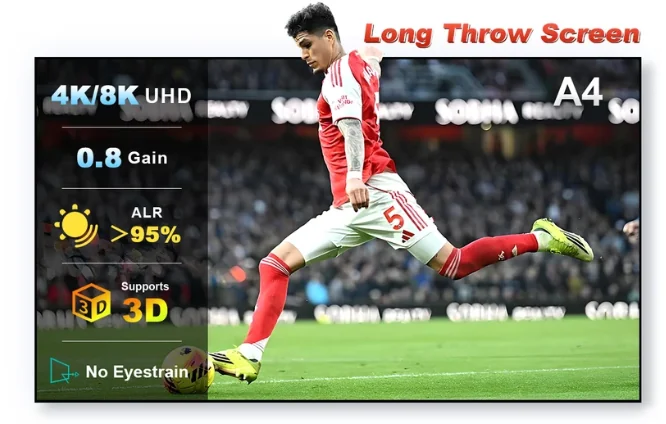
NothingProjector's current product page names the XGIMI HORIZON Ultra as an example compatible model for its standard/long-throw ALR material. The screen still needs to fit your actual throw distance, room light and target size.
Confirm your installed throw distance
Even when a projector model is named as compatible, the final image size and lens-to-screen distance determine whether the geometry is practical. Measure the room before choosing 100, 120 or 130 inches.
Match gain to brightness and room light
A 0.8-gain ALR surface can improve perceived contrast in ambient light but reduces brightness compared with a 1.0 reference surface. That trade-off becomes more significant as the screen gets larger.
Use the sample for material character
Inspect color neutrality, texture, off-axis behavior and any laser-related artifacts in the actual viewing room. A tiny swatch cannot prove full-screen uniformity, but it can still reveal whether you like the surface.
Check the long-throw material with your projector.
The A4 sample is the promoted offer; it is intended as a material test rather than a claim that every room will produce the same result.
Continue your research
NothingProjector review A4 sample testing guide Long-throw ALR guide Gain explained