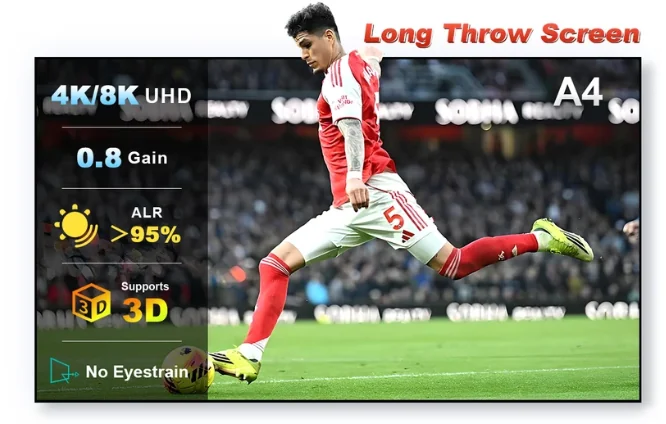
A projector screen does not add electronic input lag, but it can change how visible the image is, how uniform bright UI elements look and how much room light washes out shadow detail.
Input lag comes from the projector, not the passive screen
A passive screen has no video-processing pipeline, so choosing ALR versus white does not change signal latency. Gaming mode and HDMI processing are projector issues.
Large-screen brightness matters
Games often contain bright HUDs next to dark scenes. If the image is too dim, shadow detail and HDR impact suffer. Balance screen size and gain against the projector's real light output.
Room lighting can justify ALR
Gaming rooms are not always dark. If people move around or ambient lights stay on, ALR can preserve perceived contrast better than a neutral white screen.
Check texture and speckle
Static UI and large uniform colors can make surface texture or laser speckle obvious. Sample testing is particularly valuable for RGB-laser gaming projectors.
Test the material before committing to a full-size screen.
The supplied affiliate offer is for the NothingProjector A4 long-throw screen sample.